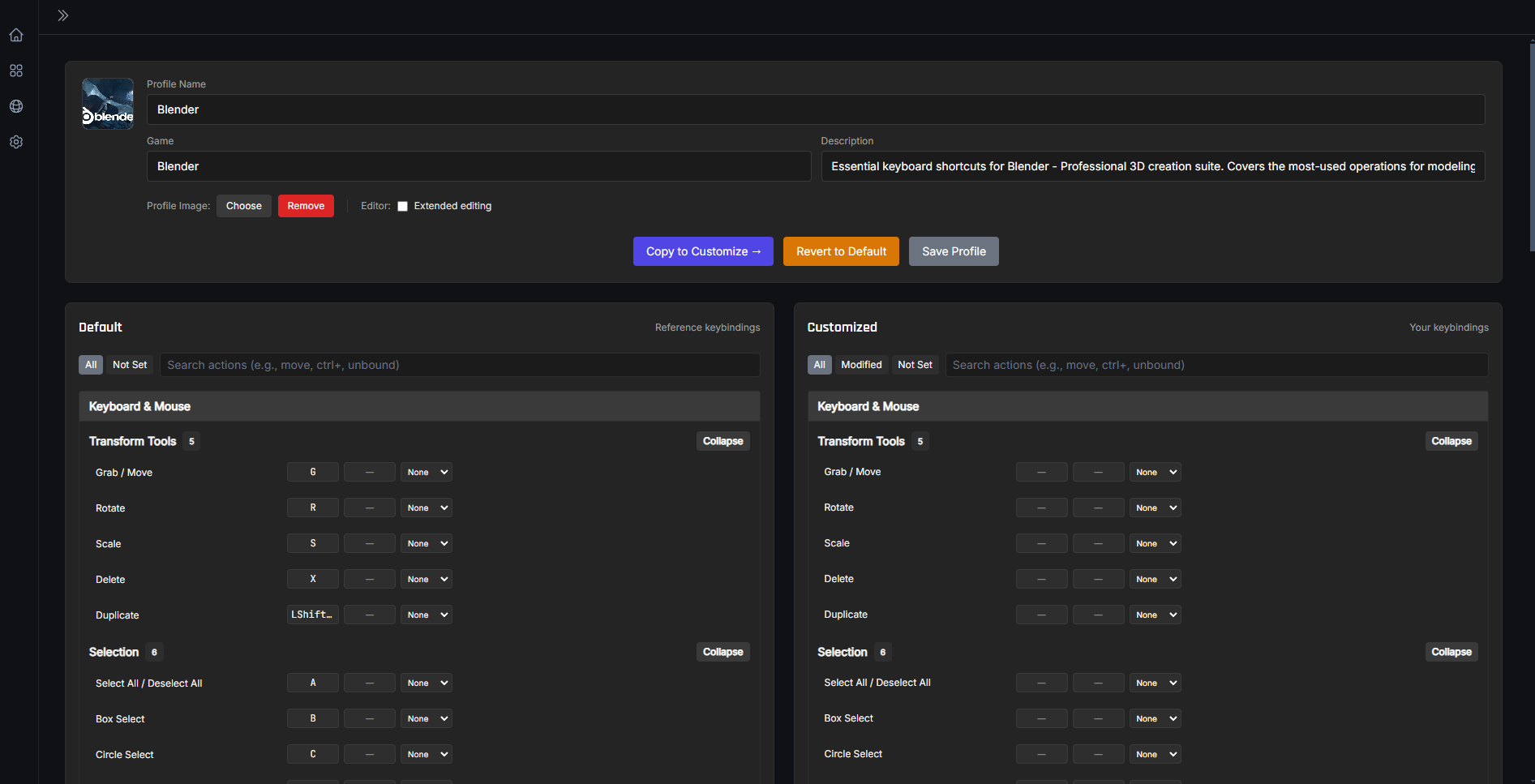
KeybindCompanion is a desktop application designed to help you manage and reference game-specific keybinds. It provides a seamless experience by organizing your keybinds across multiple games, with community profile sharing via the Profile Hub.
Key Features
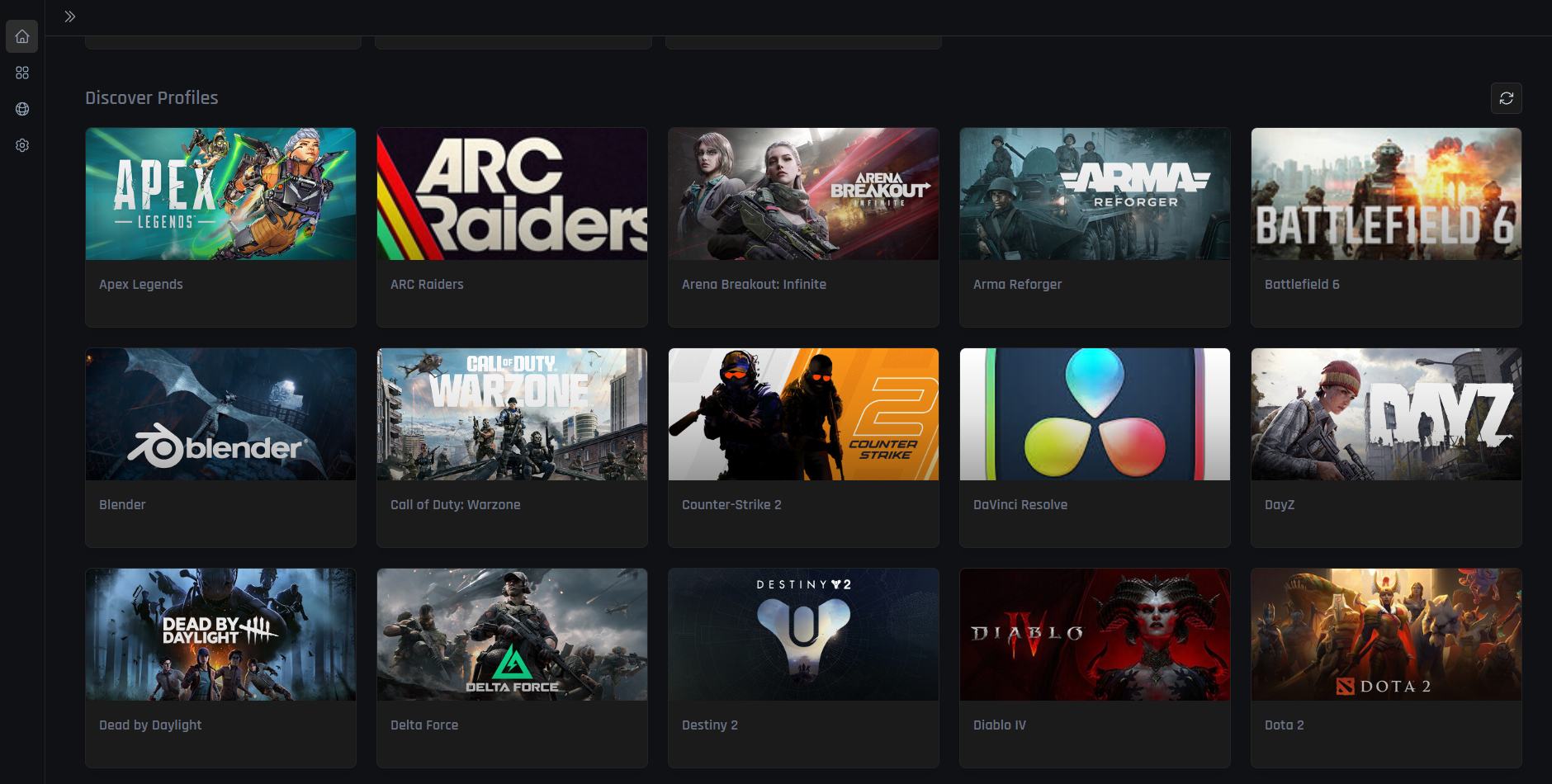
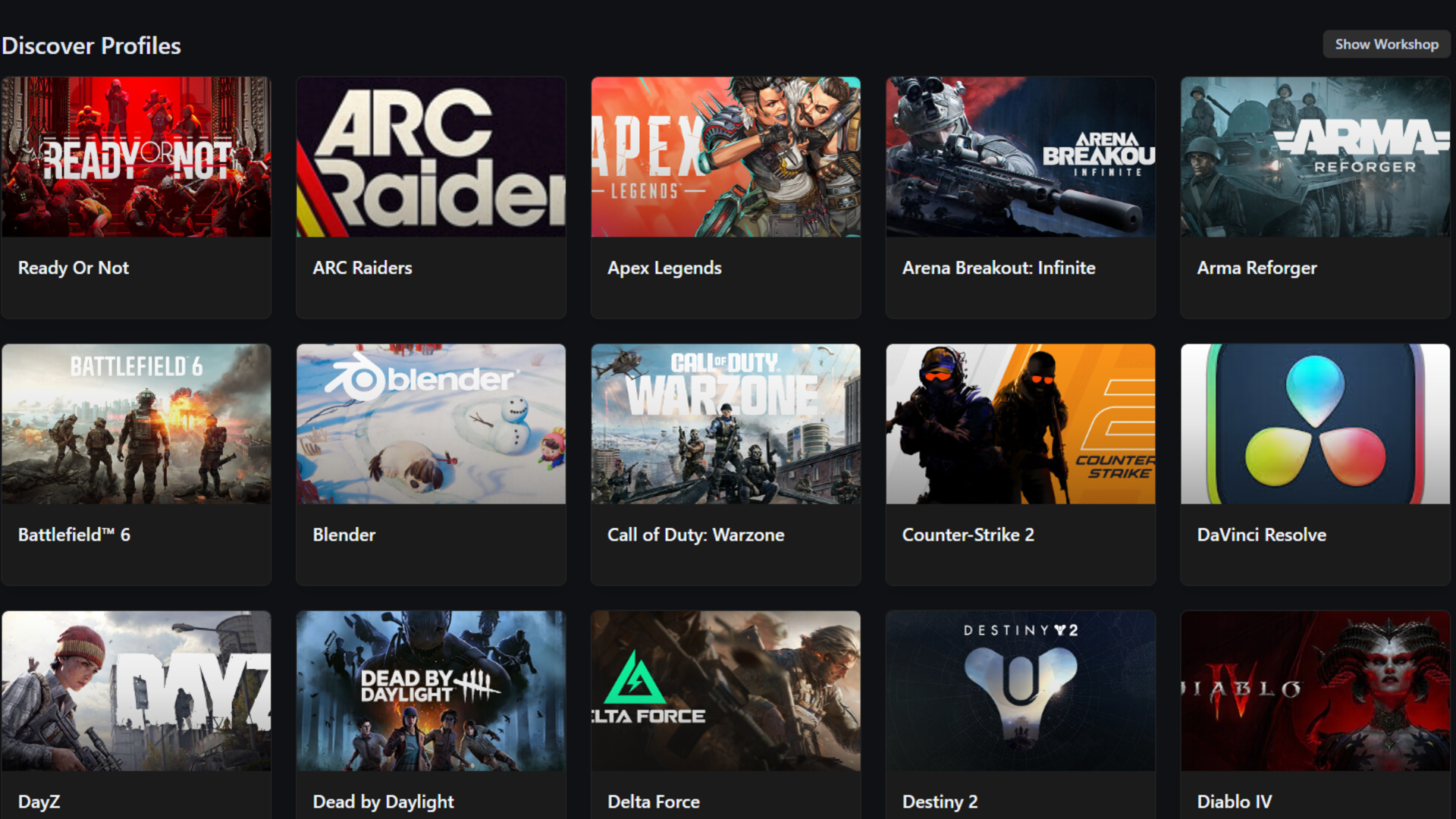
Visual Dashboard: Modern tile-based interface with hover effects, search functionality, and Profile Hub integration for discovering community profiles.
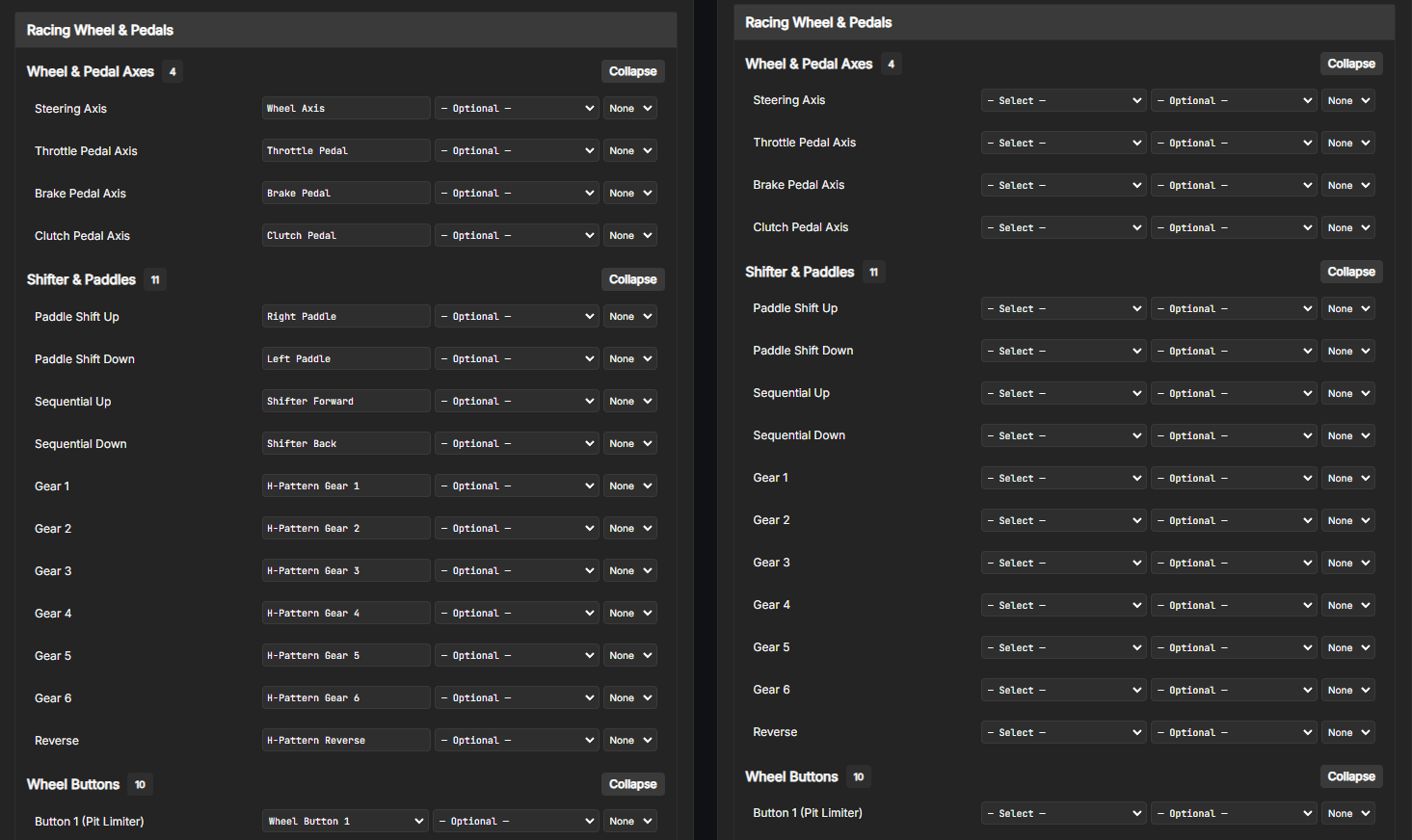
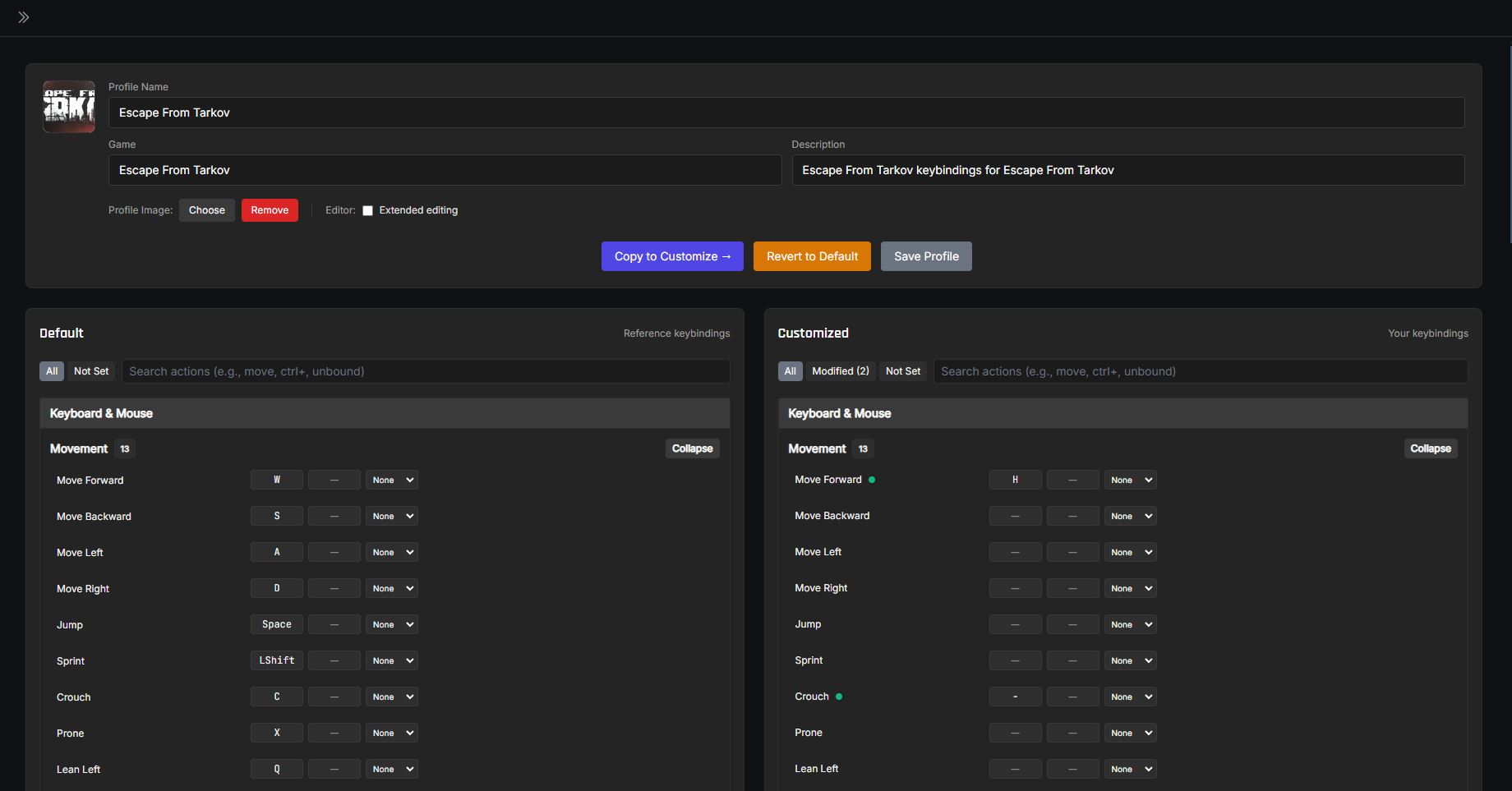
Profile Studio (Unified View): Professional split-pane interface with Default (left) and Customized (right) panes. Features advanced search, smart filters, granular Revert-to-Default, and the "Copy to Customize →" button for creating custom profiles from community defaults. Extended editing mode allows structural changes (add/remove categories and actions) on both panes.
Enhanced Profile Manager: Comprehensive profile organization with smart sorting, search functionality, classification filtering (Official/Verified/Community/My Profiles), and streamlined Copy/Delete/Export/Share actions for all profiles.
Profile Hub: Community profile sharing via GitHub + jsDelivr CDN. Browse, download, and share keybind profiles with the community. Profiles are classified as Official, Verified, or Community with corresponding badges. Features deliberate search (Enter key or Search button), smart filtering with official profile toggle, and cache-busting refresh for immediate content visibility.
Intuitive User Experience: Content-aware loading skeletons, real-time validation feedback, contextual toast notifications for user actions (following silent startup best practices), and actionable error recovery options.
Multiple Device Support: Full support for keyboards, mice, gamepads, joysticks, and wheels. Features a game-dev inspired input system with primary/secondary binding slots and modifier support (Hold, Double-tap, Toggle, On Release). Differentiates between left/right modifier keys.
Profile Sharing: JSON-based export/import system plus one-click submission to Profile Hub for community sharing.
Auto-Updates: Built-in automatic updates via GitHub Releases.
Wallpaper Engine-Inspired Design: Professional theme system with consistent slate color palette, customizable brand colors, and complete dark mode support.
Non-Invasive Design: Works alongside games without modifying game files or triggering anti-cheat systems.
Current Status
Profile Hub Integration: Community profiles hosted on GitHub with jsDelivr CDN for fast global access
Keybind Profile System: Create and edit detailed keybind profiles with multiple devices, categories, and actions
35+ Default Profiles: Extensive library of game keybind profiles (CS2, Valorant, Apex Legends, and more)
Auto-Update System: Automatic updates via GitHub Releases with Squirrel installer
Modern Tech Stack: Built with ESM & Vite, using Electron Forge with the Vite plugin
TypeScript & React: Ensures code quality with a responsive, component-based UI
Customizable Experience: Options for themes, layouts, font sizes, and display density
Tech Stack
Electron: Framework for building cross-platform desktop apps
Vite: Build tool for fast development and optimized builds
TypeScript: Superset of JavaScript for type safety
React: UI library for the renderer process
SQLite: Local profile storage
Tailwind CSS: UI styling and theming with extended brand color system
Zod: Schema validation for form inputs and data structures
electron-updater: Automatic updates via GitHub Releases